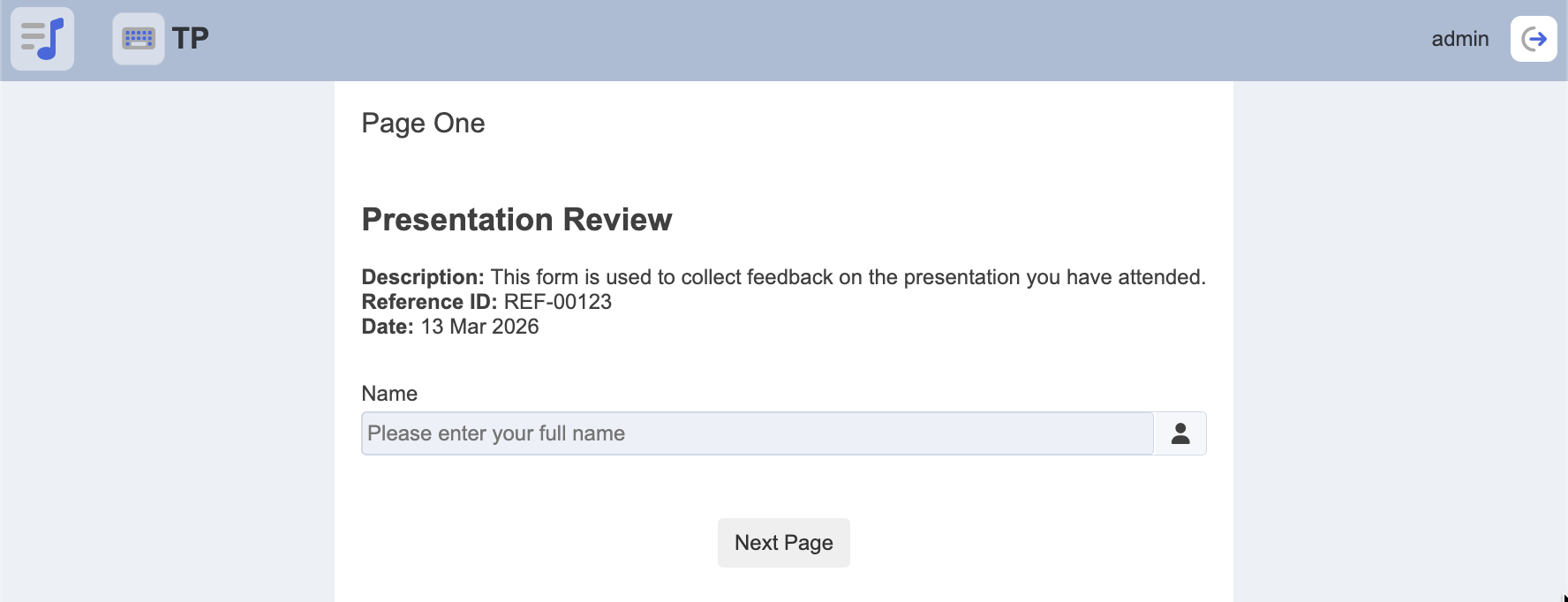
This entry shows how you can return additional information from your ETL chain and display it in the Form View.
This is a continuation from the following entry:
Steps:
1/ Navigate to the ETL module.
In the ETL Chainset “TP”, create a new chain (e.g. Page1-Info).
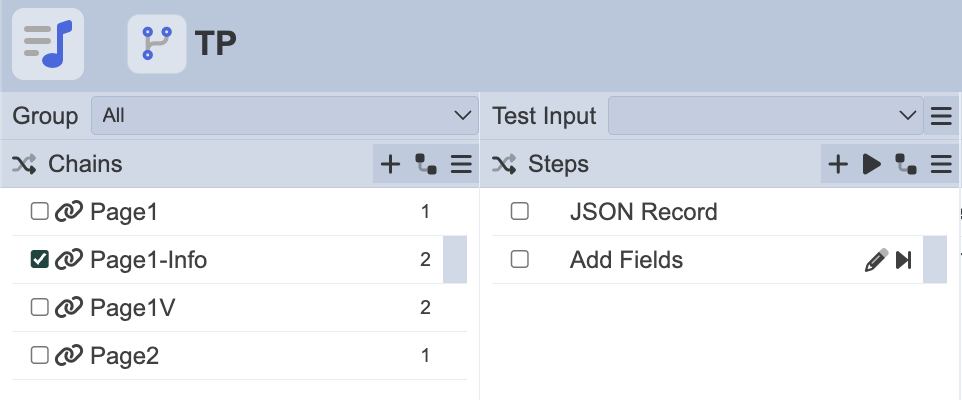
2/ In the chain, add the following steps:
- JSON Record
- Add Fields
In “JSON Record”, add the following:
{
“title” : “Presentation Review”,
“description” : "This form is used to collect feedback on the presentation you have attended. ",
“refId” : “REF-00123”,
“date” : “13 Mar 2026”
}
In “Add Fields”, add the following:
{
“elxPublic” : {
“date” : “$date”,
“description” : “$description”,
“refId” : “$refId”,
“title” : “$title”
}
}
3/ Save the chain and navigate to the Workflow module.
4/ Open the workflow “TP”, select the state “Page1” and assign the Page1-Info ETL chain under OnEntry.
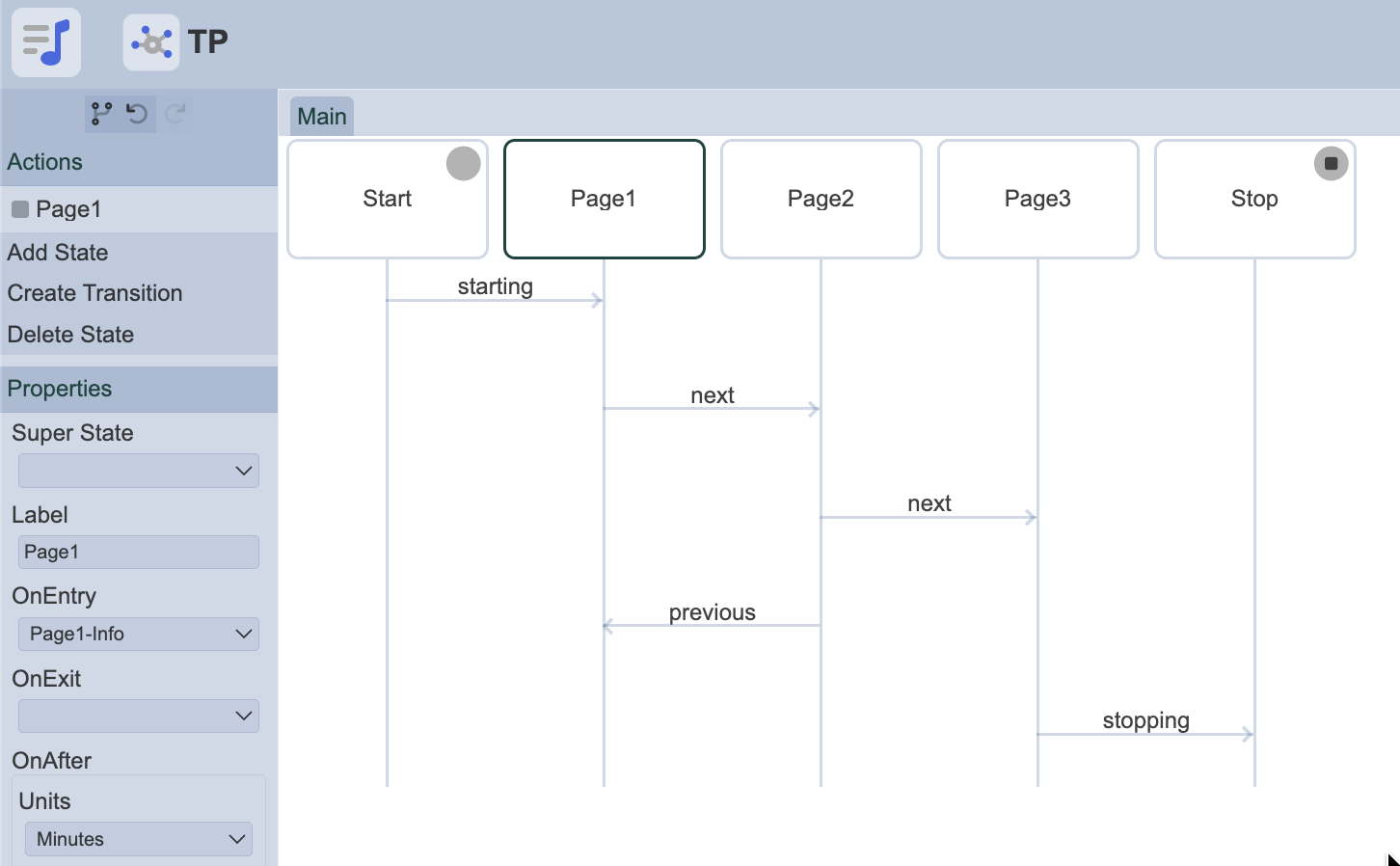
5/ Next, navigate to the Form module and run the form.
6/ You should now see the additional information displayed on Page One, similar to the following: