This entry shows how you add a date selector as one of your Form’s input fields.
This is a continuation from the following entry:
Steps:
1/ Navigate to the Form module and open the Form, “TP”.
2/ In the dropdown field below the Form tab, select the “Inputs” option.
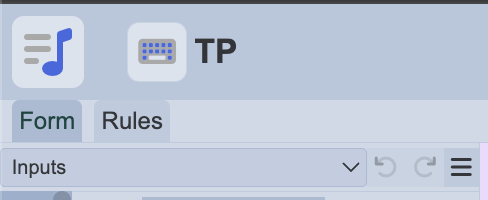
3/ Search for “Date Input” and drag it into the Form below the “name” field.
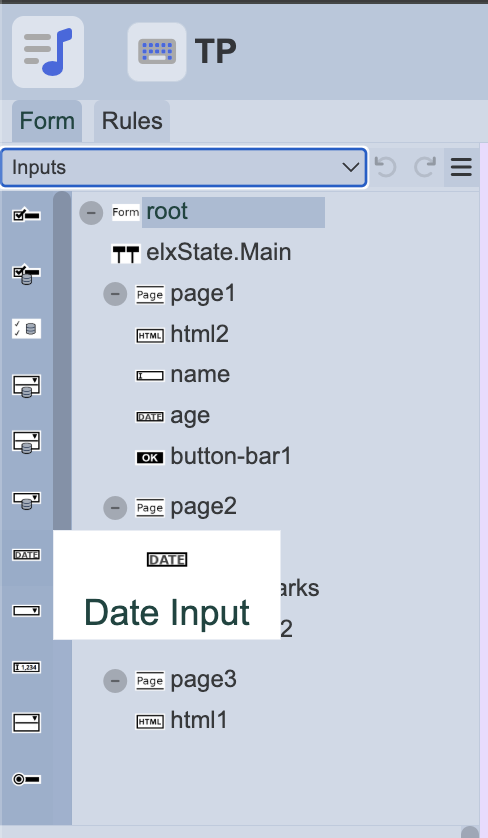
*Rename the Label field as required. The example above renames it to “age”.
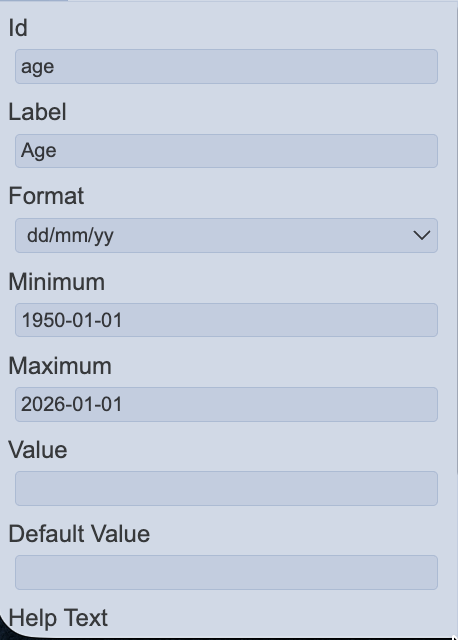
4/ Select “age”, in the properties box, configure as necessary.
5/ Next, navigate to the ETL module.
6/ Select the ETL chainset used for the Form (i.e. TP) and select the first chain, “Page1”.
7/ Edit the step to include the input field, “age”.
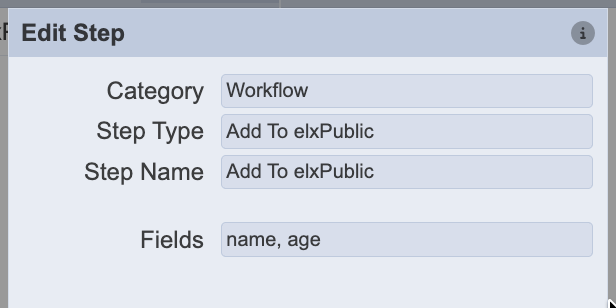
8/ Once done, click save.
9/ Navigate back to the Form module and run the form to validate.