This entry explains how to conditionally render sections in RML templates using section‑level render‑if logic. By evaluating conditions at the section level instead of the detail level, performance improves because the logic executes once per section rather than once per record. Attached below are the demo files used in this entry.
Sample Deployment
Deploy the sample as follows:
-
Template:
repository:/ElixirSamples/SectionRenders.rml -
Datasource:
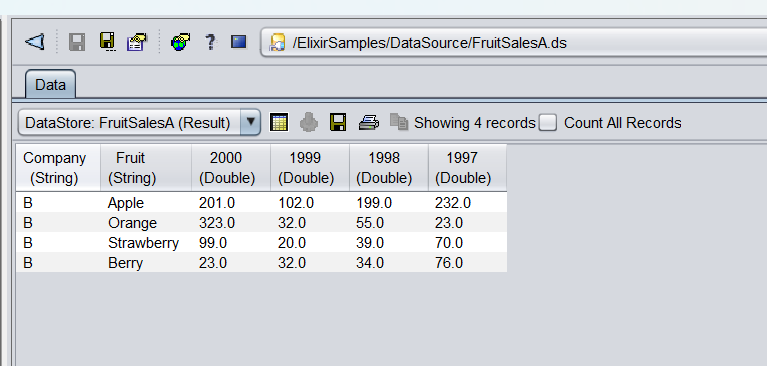
repository:/ElixirSamples/DataSource/FruitSalesA.ds
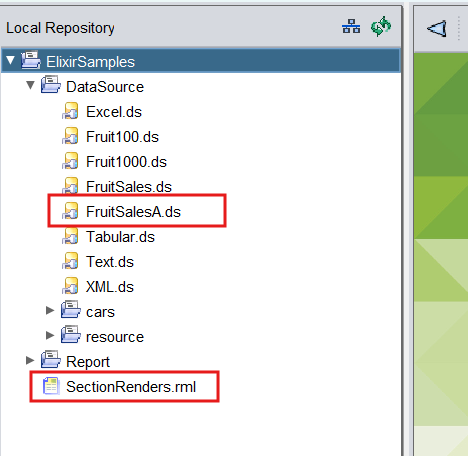
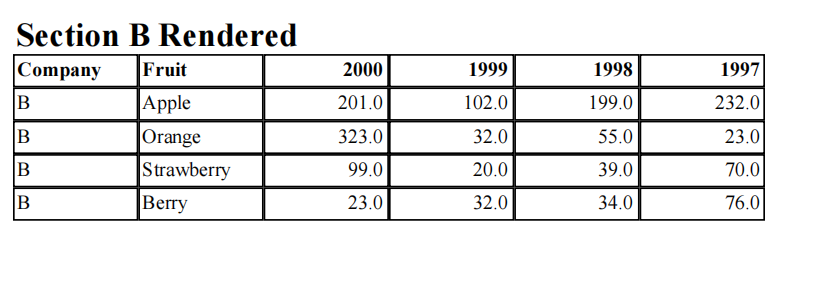
The sample looks up the value in the Company field and renders either Section A or Section B.
Steps
-
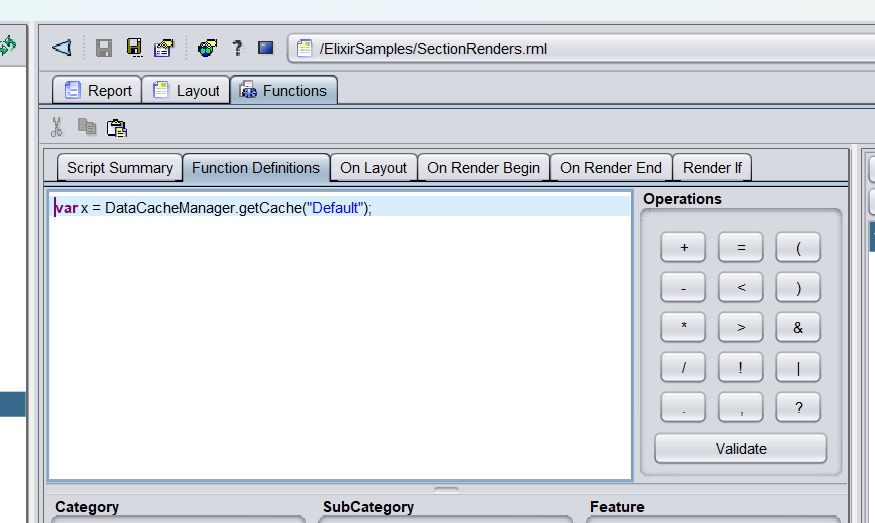
Open SectionRender.rml and add the following in the Functions Definition tab:
var x = DataCacheManager.getCache("Default");Explanation
- The DataCacheManager saves the datasource values in the cache
- Change “Default” to the name of your datasource.
-
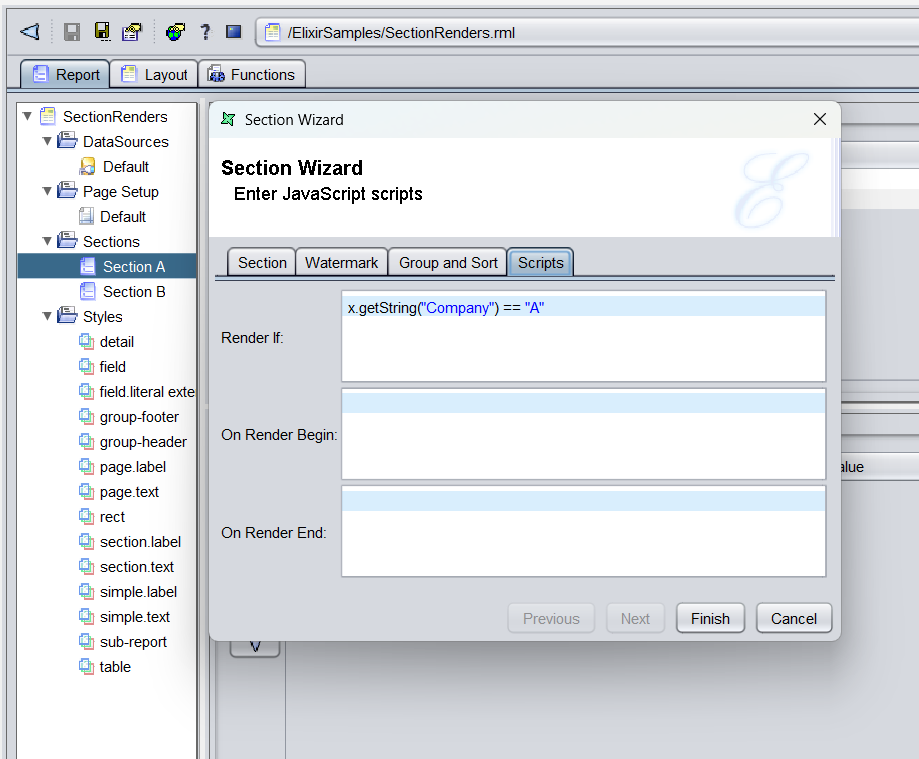
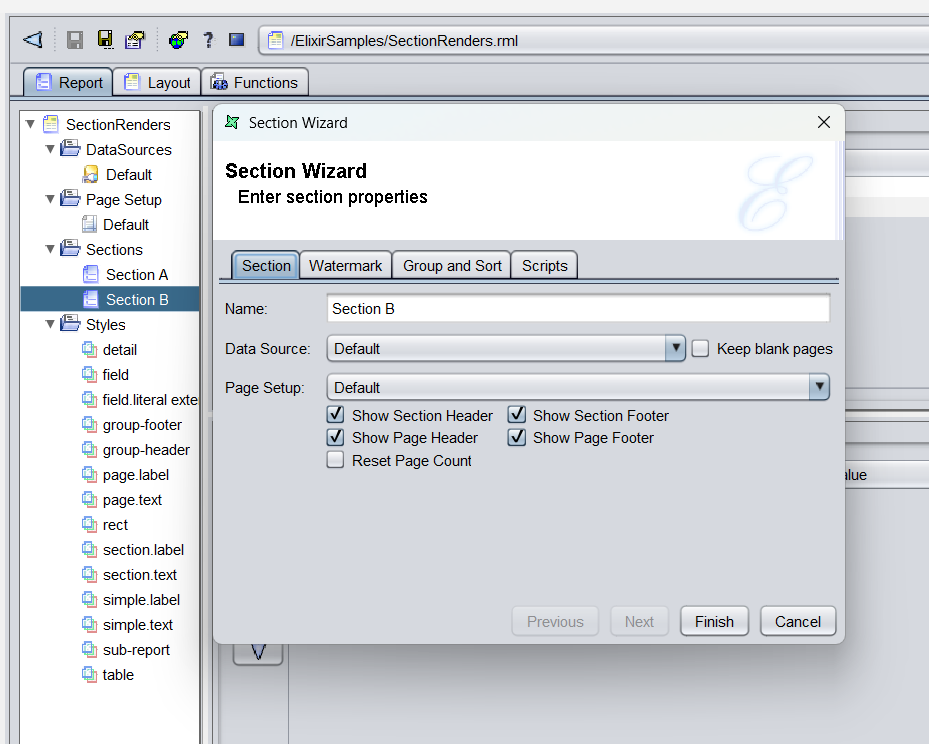
Add the following to render-if in each Section’s script tab:
- Section A
x.getString("Company") == "A"- Section B
x.getString("Company") == "B" -
When rendering the template, the section displayed is determined by the value of the Company field. In this example, since the datasource specifies Company B, Section B will be rendered.
Why does this optimize report rendering
- Render-if at Detail level → render‑if executed for every record.
- Render-if at Section level → render‑if executed once per section, improving efficiency.
Demo Files.zip (3.0 KB)