The Forum Module provides a structured space for users to create, view, and participate in topic-based discussions. Please note that this module has been included in Ambience 2027 and above.
Module Privileges
There are 2 privileges in this module:
- mod-forum : for accessing the Forum Module
- mod-forum-admin : for maintaining and moderating forums
Forum Management Panel
The Forum management panel shows all the available forums in the module.

Please note only forum admins (users with mod-forum-admin) are allowed to create new forum or edit existing forum.
Forum Topic Panel
Upon selecing a forum topic, users can view all created topics in the forum and also create a new topic.

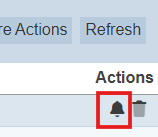
Users can also watch/unwatch a topic to receive notifications for new replies by clicking on the bell icon.
Forum Topic Panel (Forum Admin)
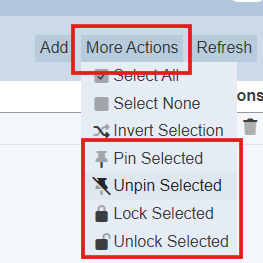
By default the Forum Topic Panel sorts the topics by the Created At date in descending order, forum admins can pin/unpin any topic so they always appear at the top of the topics list.
Here forum admins can also lock/unlock topic so no further edits or reply is allowed and delete any inappropriate topics.
Forum Topic View
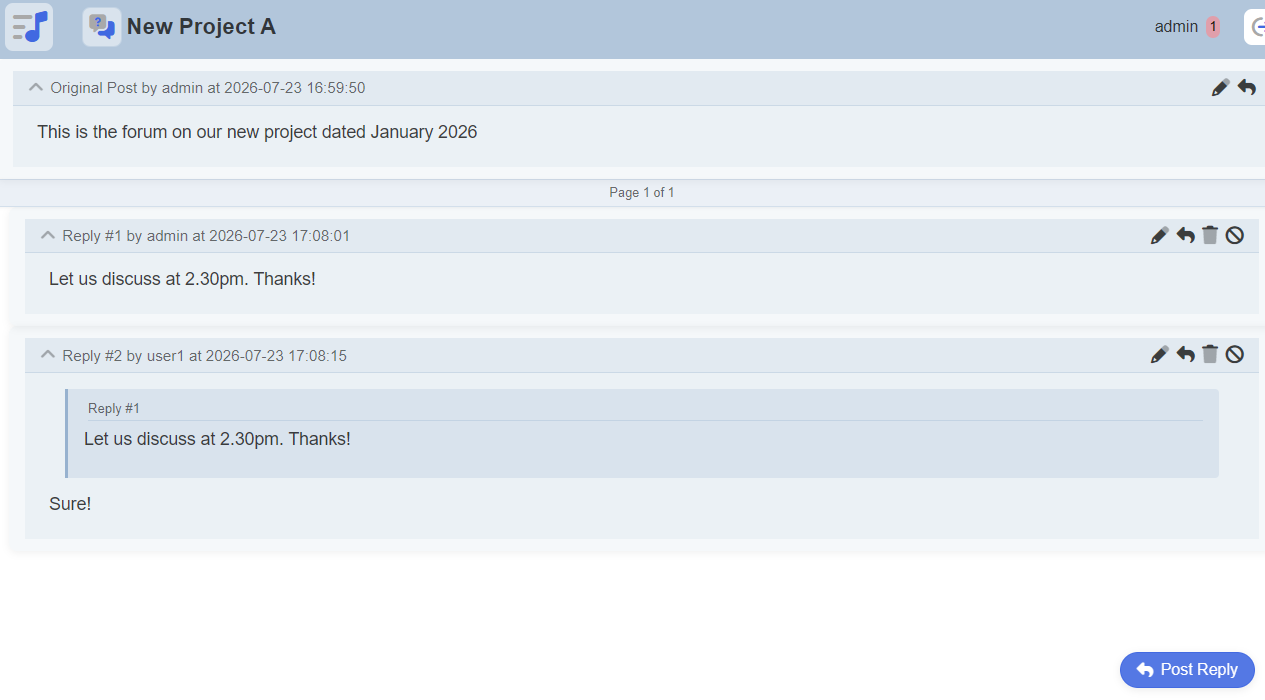
Users can post a new reply, reply to a post, edit their original post, or edit / delete their replies.
Timestamp on when the post or reply is edited or delete will be captured and shown.
Forum Topic View (Forum Admin)
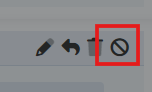
Forum admins will have an additional Moderate button so they can delete any inappropriate replies and provide a reason for doing so.
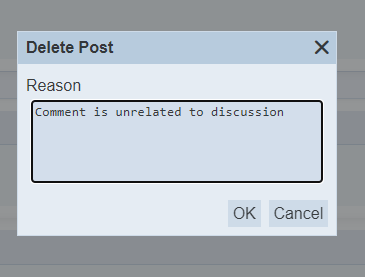
Additional features for Forum Admin
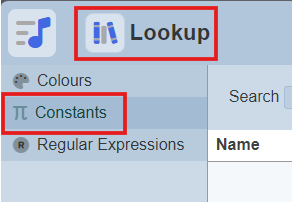
A list of reasons can be added in the Lookup Module - Constants. This allows forum admins to be able to choose from a standardized list of reasons when moderating posts.
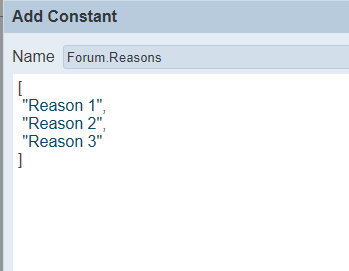
By default the lookup constant is named Forum.Reasons but this can be changed with this config in etc/application.conf: ambience.modules.forum.reasons-lookup = “Forum.Reasons”